From the Left
Navigation Pane, click Credit
Bureau to open the Credit Bureau screen.
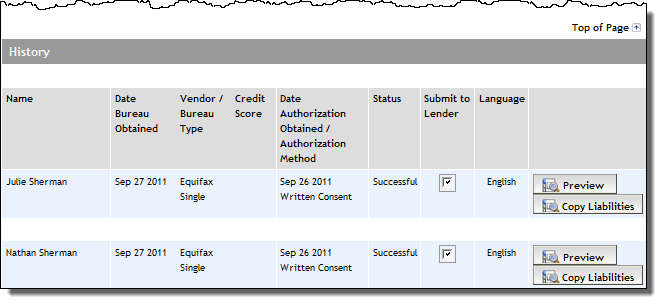
From the History section, locate the applicant whose
credit report will be submitted with the application to the lender,
and click its Submit to Lender
checkbox.